See the difference.
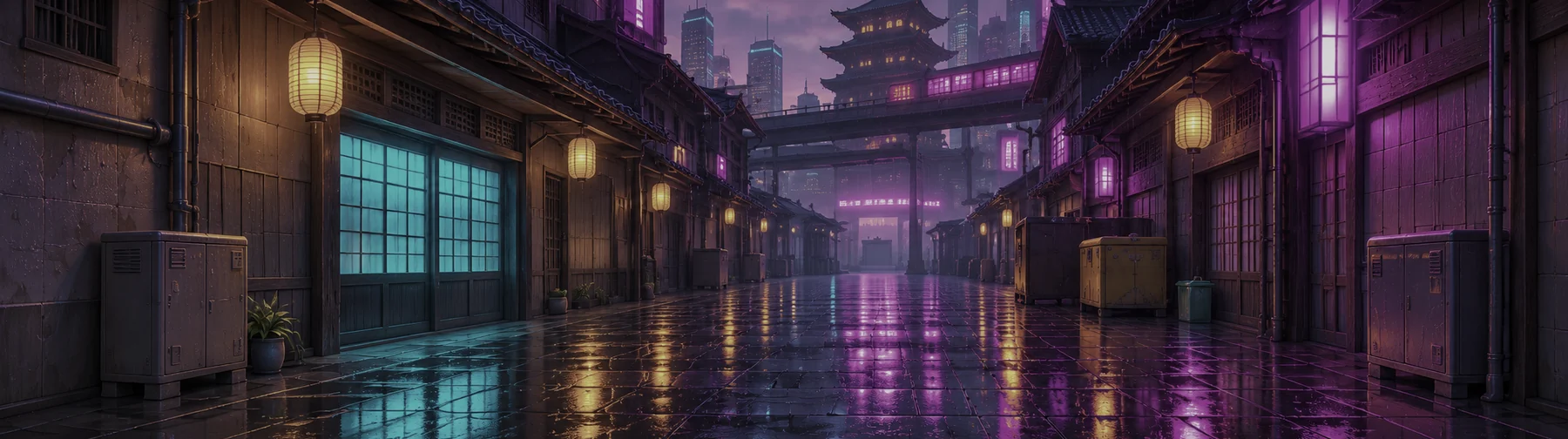
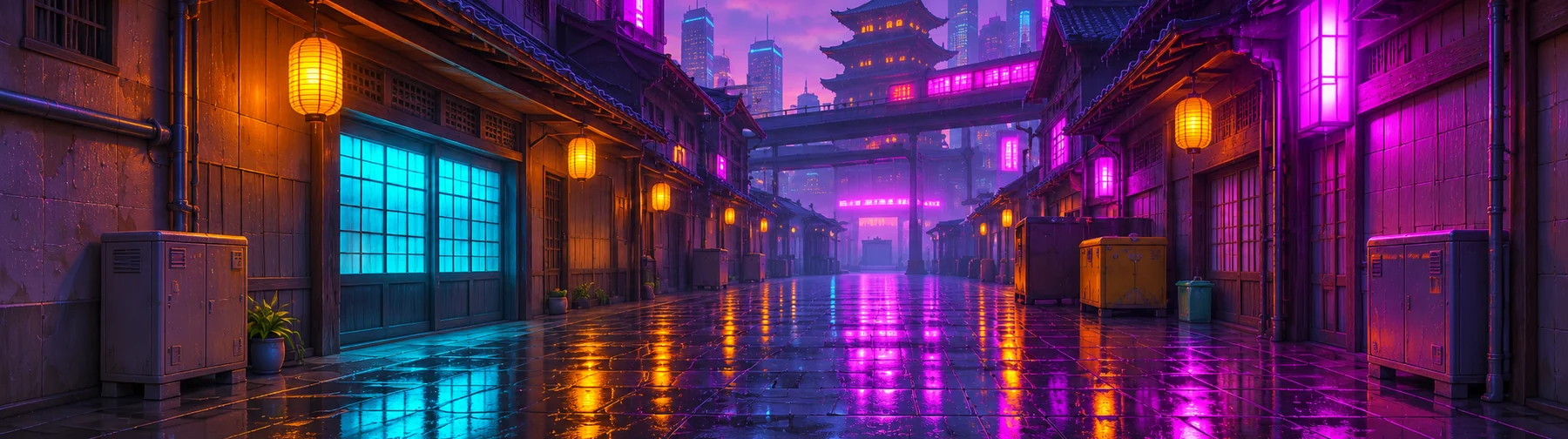
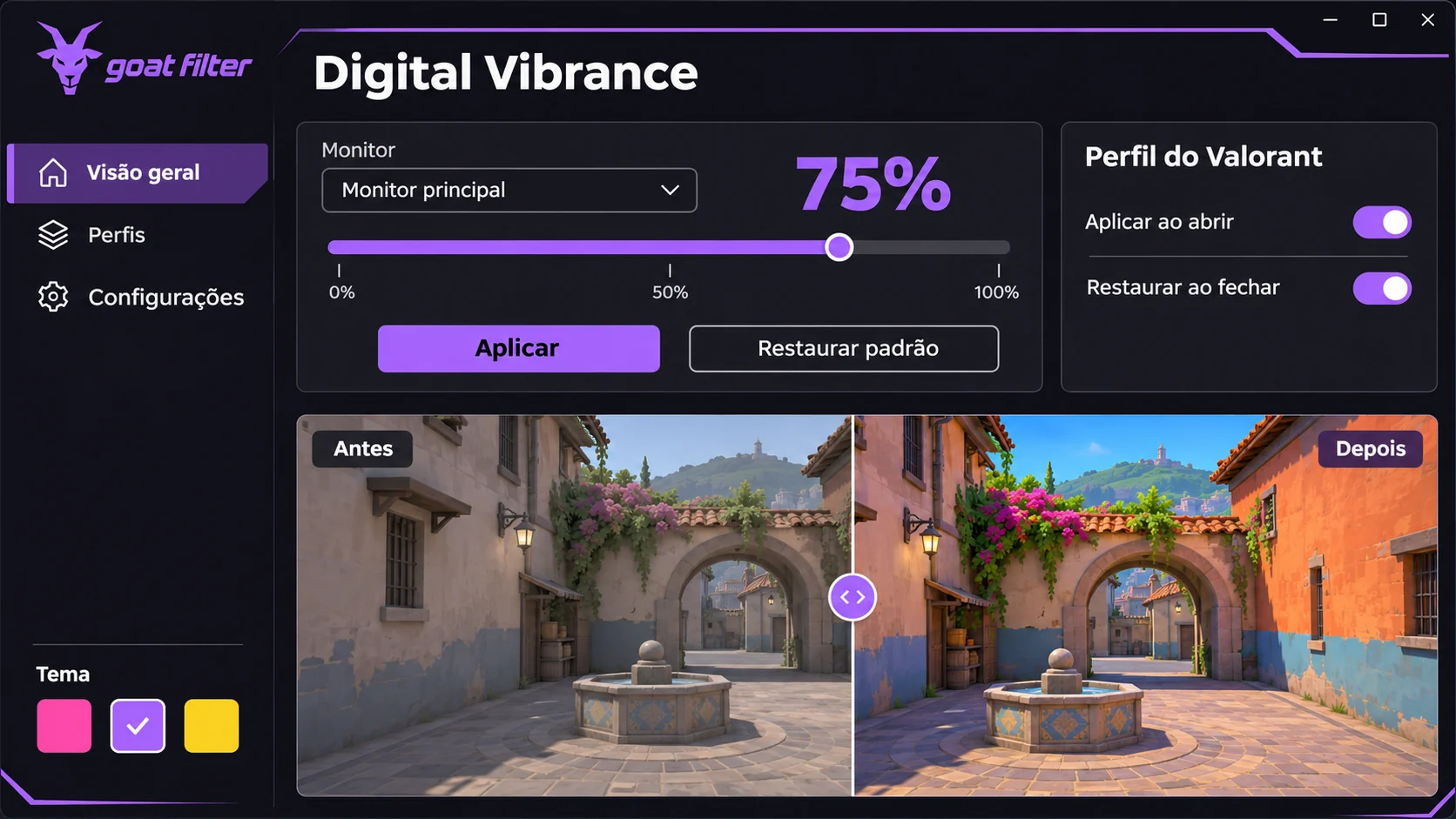
Your profile,
your colors.
- Per-monitor tuning
- Automatic profile
- Three themes
All in one app.
-
Colors
Vibrance up to 200%
Goes past the NVIDIA panel's limit and works on AMD and Intel. Your profile turns on by itself when the game opens.
-
Recording
Replay that doesn't weigh you down
Press a key (or a side mouse button) and the last 15 to 60 s become a clip, up to 1440p 60 fps. Uses the graphics card's video chip.
-
Performance
PC X-ray
A 0–100 score, monitor at max refresh rate, Game DVR, HAGS, closing heavy apps and temperature alerts.
-
Training
Warm up before playing
Aim training (flick, micro, peek), reaction, mouse tests, sensitivity converter and crosshair library.
Why Goat Filter.
| Feature | Goat Filter | Driver panel | Typical clip apps |
|---|---|---|---|
| Vibrance above 100% | Yes | No | No |
| NVIDIA, AMD and Intel | Yes | Only its own brand | — |
| Automatic profile per game | Yes | Yes | — |
| Clip replay on the graphics card | Yes | NVIDIA/AMD only | Varies |
| No account, no ads | Yes | Yes | Not always |
| Aim training and mouse tests | Yes | No | No |
| Open source | Yes | No | Rarely |
Frequently asked questions.
Can I get banned in Valorant?
Goat Filter doesn't inject code into the game, doesn't read its memory and doesn't draw anything over the screen. It uses the same functions as the NVIDIA and AMD panels plus normal Windows features (color profile, gamma curve). To know if the game is open it only looks at the list of programs, like Task Manager. No third-party program has an official guarantee from Riot, but this is the same kind of screen tweak players have used for years.
Does it work with AMD and Intel cards?
Yes. On NVIDIA and AMD, vibrance goes straight to the driver. On Intel, and on any card above 100%, the app uses the Super layer: a color matrix applied by Windows. Works on Windows 10 and 11.
How does it go past the NVIDIA panel's 100%?
Up to 100% it's the driver's Digital Vibrance. Above that, a second saturation layer kicks in, applied by Windows after the game. On Windows 11 you can use the MHC2 color profile, applied by the card itself, with no input lag and also in fullscreen.
Why does Windows say “Windows protected your PC”?
The installer isn't digitally signed yet (signing is paid). The app works normally: click More info and then Run anyway. The code is open, every version is built by GitHub, and the warning fades as more people download it.
Do I need to keep the app open?
It sits in the Windows tray next to the clock using almost nothing. When the game opens it applies your profile; when it closes it restores the colors. It can also start with Windows.
What if I want my normal colors back?
Use “Restore default” in the app, “Restore original colors” in the tray, or just close the app: it restores the colors on exit. If the PC shuts down mid-match, the colors come back the next time the app opens.
Does clip recording hurt FPS?
Barely. The screen is captured by the graphics card itself and encoded by its video chip (NVENC on NVIDIA, AMF on AMD, Quick Sync on Intel), separate from what runs the game. By default the replay is only on while the game is open, and saving a clip just joins pieces already recorded.
Does recording touch the game?
No. It records the desktop already composed by Windows, the same way OBS does. Clip shortcuts only read the key or mouse button; the game keeps receiving everything normally.
Is it free?
Yes, and the code is open (MIT license). The app updates itself when a new version comes out.